
1. Access the platform
The first step to organizing your event is to visit our application at app.mifyyy.com. You can access it from any modern web browser on your computer or smartphone.
Open the app →
2. Login or Register
Once on the site, you have two options: if you already have an account, simply log in with your credentials. If you are new to Mify Event, click on 'Register' to create your account in seconds.
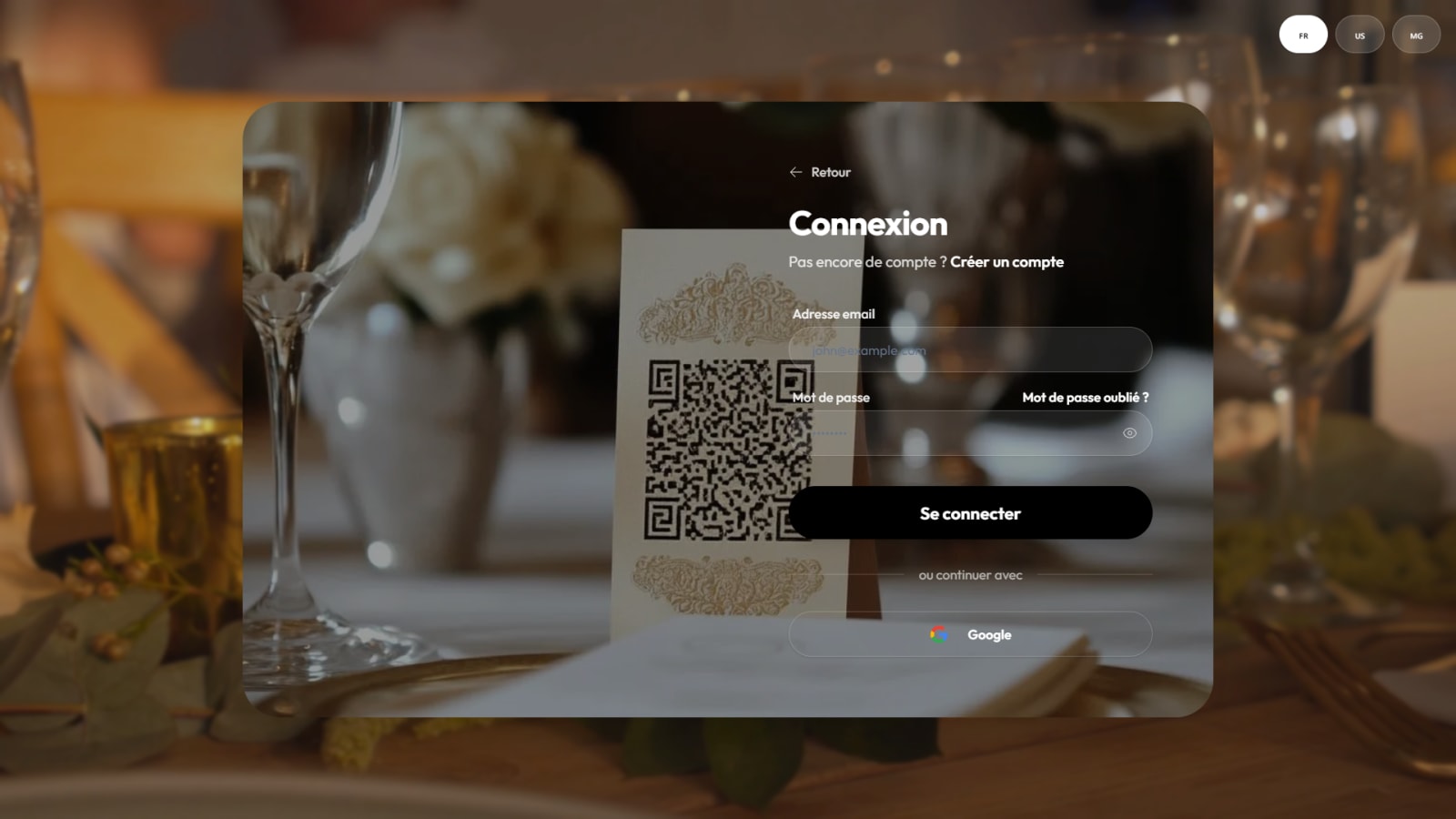

We support classic email registration as well as quick social logins.
3. Choose your country
For a personalized experience and tailored payment options, select your country of residence. Mify Event adapts to local specificities to offer you the best possible service.

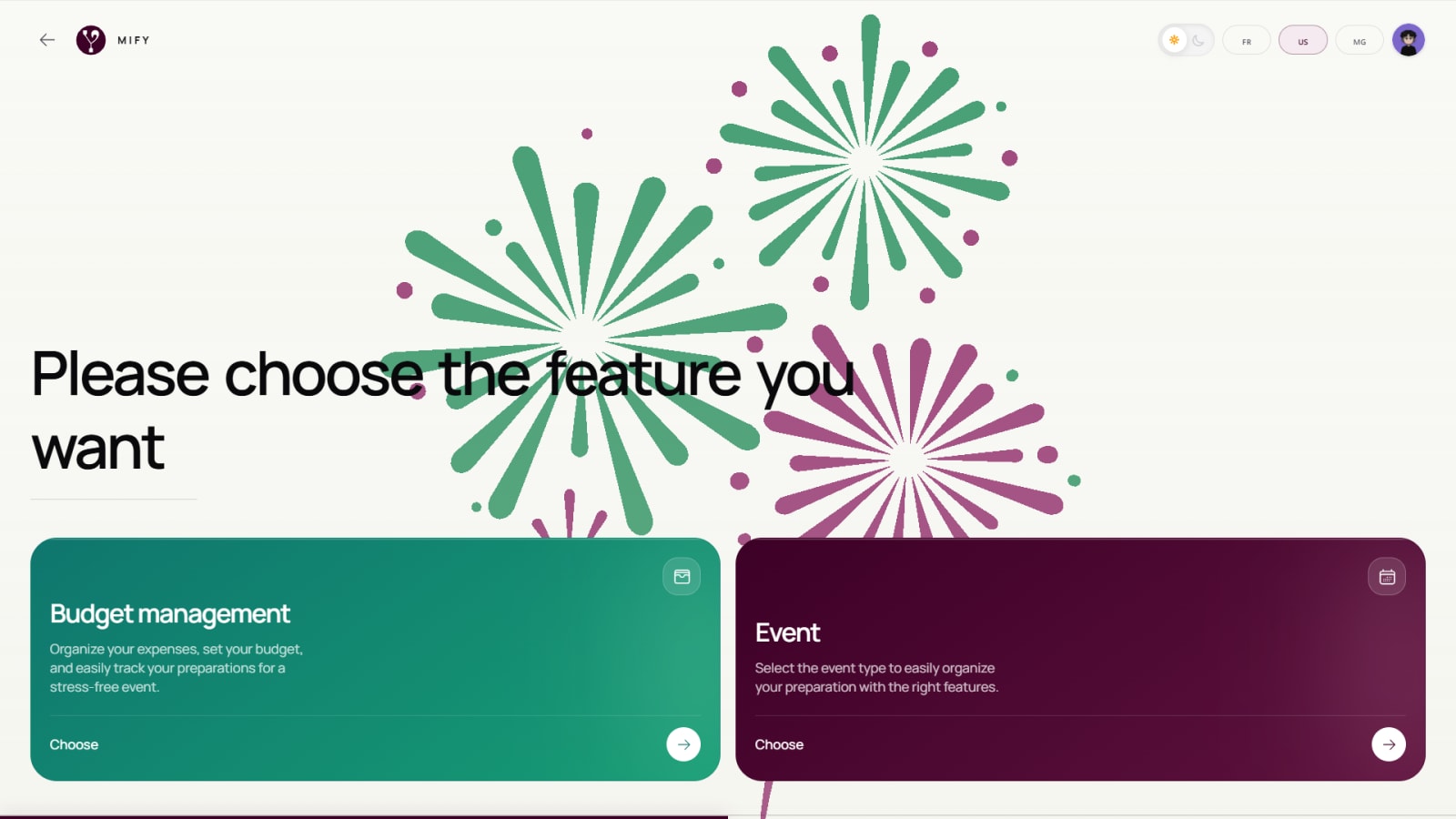
4. Select a module
Choose between Mify Event to organize a complete event (invitations, seating plans) or budget organization for rigorous financial management. You can use both in parallel for perfect organization.
5. Define your event
Specify the nature of your project. Whether it's for a Wedding, a Baptism, or a Birthday, Mify Event offers specific templates and tools for each type of celebration.

